Build your own firm tools with AI, safely
AI can now build a small, working tool from one plain-English prompt. You don’t need to code. Each guide gives you a tested prompt, the rules that keep client data safe, and a copy we built and checked ourselves.
To be upfront: this won’t replace your practice software, and not everything is worth building. It’s good for the one-job gaps your software leaves. Try one tool, see what’s possible, then decide.
Free for subscribers. Read the disclaimer before you build.

Build or buy?
Build it yourself when
- It does one small job, like a converter, checklist or calculator
- It runs on your own computer and client data never leaves it
- Nothing breaks if it’s wrong for a day, because you check its output
- Nobody sells it, or what’s on the market is overkill for the job
Buy it when
- It holds client records, money or anything you’d need to recover
- Your whole team relies on it every day
- It needs security, backups, support and someone accountable
- It has to keep up with ATO, Xero or other rule changes
If a product already does the job well, use it. Building is for the gaps.
Start in five steps
- Step 1: Pick one AI tool and turn off training
- Step 2: Set the golden rule
- Step 3: Start from a tested prompt
- Step 4: Run it on your computer, offline
- Step 5: Check it before you trust it
Beginner guides: using AI safely
Worried about client data, scams, or linking AI to Xero and your email? Start here.
- Client data and AI: a beginner’s guide Most of the risk with AI isn’t the AI. It’s what gets typed into it. Here’s what happens to what you type, what’s safe to put in, and five steps to set your firm up. 5 steps · For beginners →
- Is ChatGPT safe? Privacy settings for ChatGPT, Claude, Copilot and Gemini Same brand, different rules. Whether an AI tool learns from your chats depends on the plan you’re on and a few settings. Here’s where to find them in the four tools firms use most. 6 steps · For beginners →
- Shadow AI: find the AI your team already uses, without blame Your team is probably already using AI the firm doesn’t know about. That’s usually people trying to do good work faster. Here’s how to find it without blame, and move it somewhere safe. 6 steps · For beginners →
- Connecting AI to your systems: a beginner’s checklist Connectors let AI read your live systems, which is useful and risky in equal measure. Here’s what they are, what can go wrong, and a checklist to follow before you link anything. 6 steps · For beginners →
- AI vendor jargon, explained: SOC 2, DPAs, subprocessors and more Before you approve an AI tool, the vendor will send you documents full of terms. Here’s what each one means in plain English, and the question to ask. 5 steps · For beginners →
- AI scams and deepfakes: protect your firm and your clients AI can now make a voice, a face or an email look exactly like someone you know. Accounting firms are targets because you move money and hold data. A few habits stop most of it. 6 steps · For beginners →
Choose a tool to build for yourself using AI
-
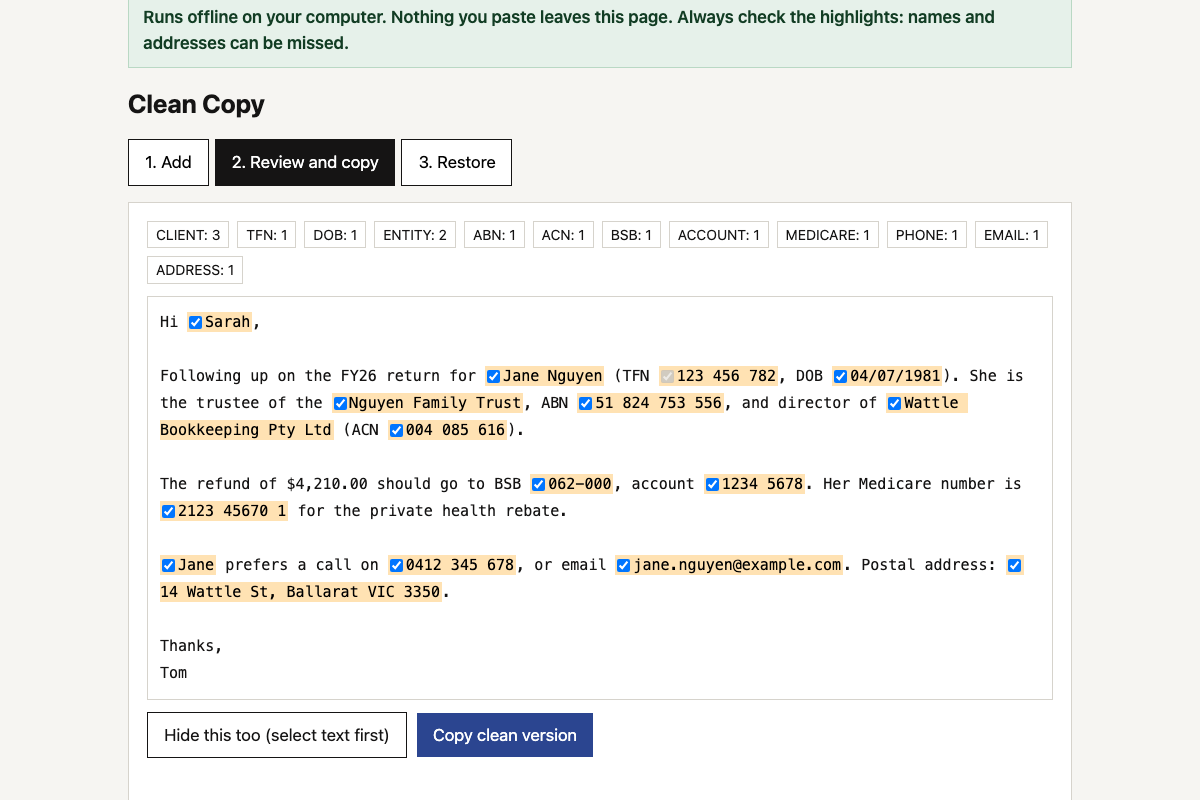 Client data redaction tool Hides TFNs, ABNs, bank details, names and addresses before you use AI on client work, then puts the real details back into the answer. 10 min Offline Tested
-
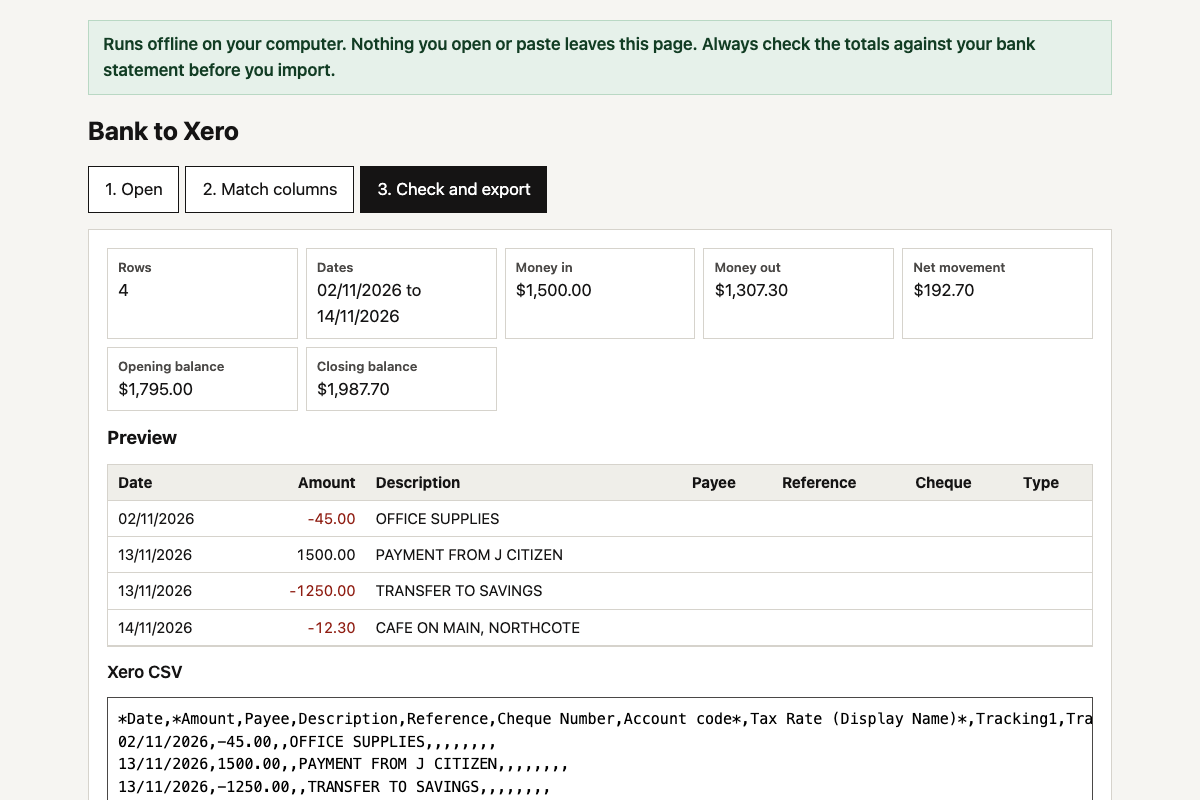 Bank CSV to Xero converter Turns a CSV from any Australian bank’s internet banking into Xero’s bank statement import format, with the dates, signs and columns fixed. 10 min Offline Tested
-
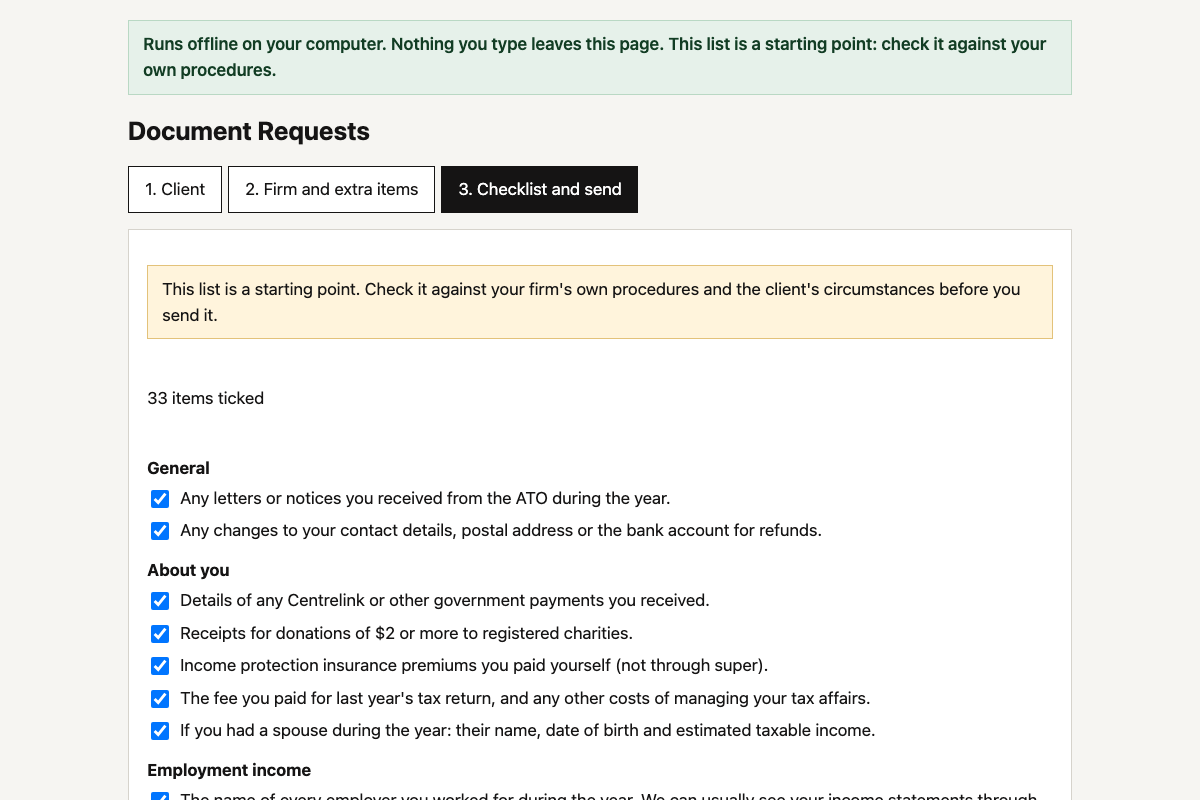 Client document request builder Pick the client type and what applies, and get a tailored list of what to send you for this year’s tax return, as a ready-to-send email. 10 min Offline Tested
-
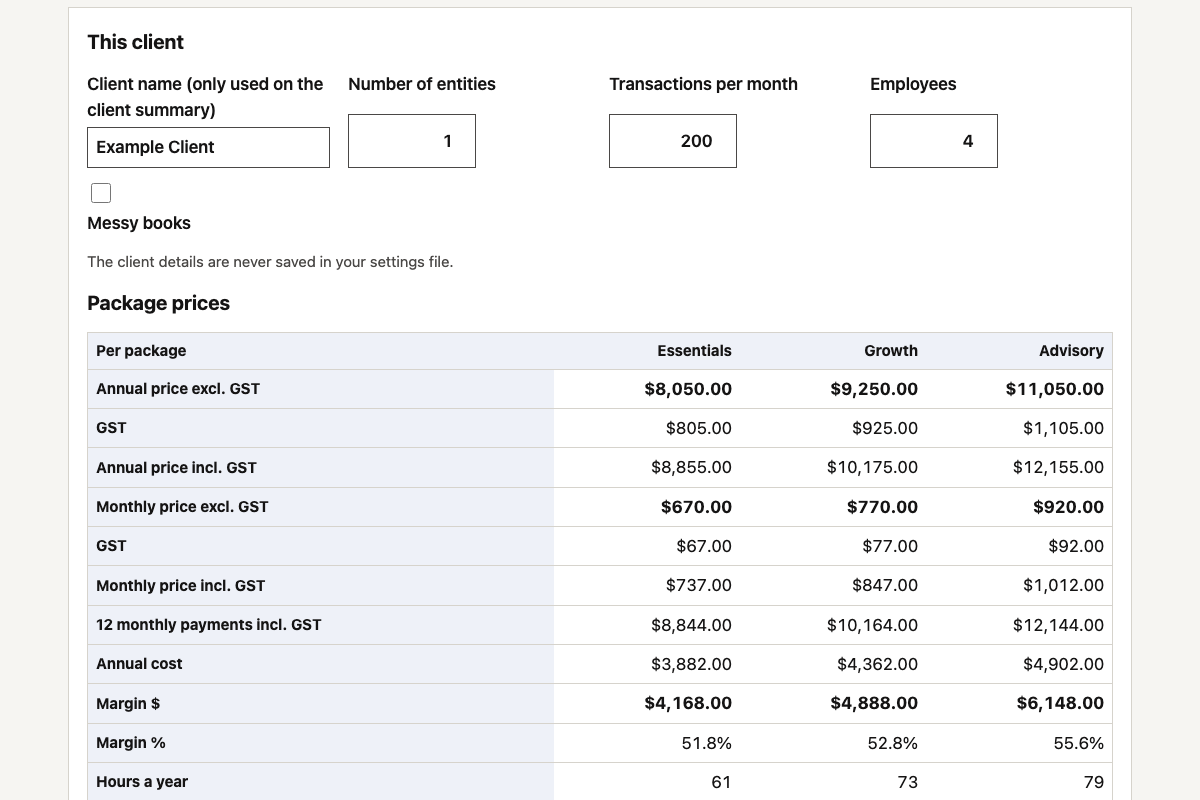 Fixed-fee package calculator Price your fixed-fee packages from your own team costs and hours, and see the margin and effective hourly rate on every one before you quote. 10 min Offline Tested
Which AI tool
- Best fit Claude Shows the tool as an artifact. Copy its code.
- Best fit ChatGPT Copy the code from the answer or canvas.
- Usually fine Copilot, Gemini If it stops, reply “continue”.
- Not for these Lovable, Bolt, Replit They publish apps online. These belong on your computer.
Please read: use these at your own risk
- These prompts, guides and tools are general information, not professional, legal, privacy or IT advice. The Firm takes no responsibility for how they are built, changed or used, or for anything that results.
- AI writes a slightly different tool each time. Whatever you build or download is yours to check, test and approve before you rely on it or use it with client data.
- Check your AI provider’s current settings and terms for how your data is stored and whether it is used to train its models. Plans and settings change.
- Bring your own judgement, and follow your firm’s AI policy and your professional and privacy obligations.
Questions firms ask
Do I need to know how to code?
No. Copy the prompt into Claude or ChatGPT, save the file it gives you, and open it in your browser. If you’d rather not build it, download the copy we built and tested.
Should my firm build a tool or buy software?
Build when the job is small, runs on your own computer and nothing breaks if it’s wrong for a day. Buy when it holds client records or money, your whole team relies on it, or it needs support and has to keep up with rule changes. Check the tech directory first: if a product already does the job well, use it.
Is it safe to build tools with AI?
It can be, with guardrails. Turn off model training, never paste client data into the AI chat, and only run the finished tool on your own computer with the internet blocked. Every prompt here builds those rules in, and the five steps show how to check the result.
Which AI tool should I use?
Claude or ChatGPT on a business plan works best. Copilot and Gemini usually work too. Avoid app builders like Lovable, Bolt or Replit for these tools, because they publish apps online and these belong on your computer.
How long does it take?
About ten minutes from prompt to a working tool, plus a few minutes to check it with the safety-check prompt.
Advanced
Coding with AI, with guardrails
When one file isn’t enough: coding tools, a rules file for every project, saved versions, and connecting live systems safely.
See the advanced steps- Move bigger projects to a coding tool
- Give every project a rules file
- Save every version
- Review every change
- Keep keys and passwords out of the code
- Connect live systems last, read-only first